[ BACK_TO_BLOG ]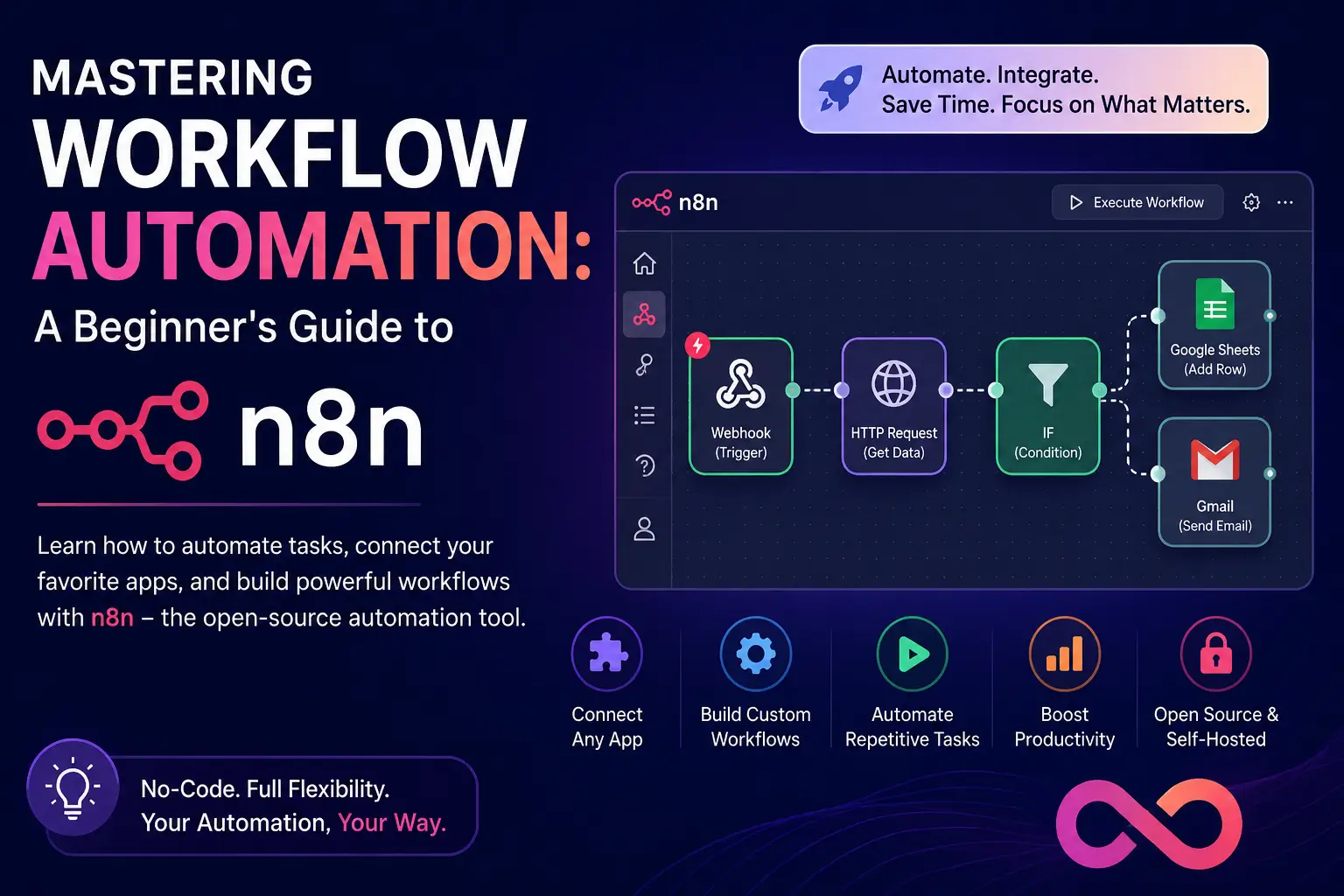
DevOps & Cloud · CI/CDFeatured
Mastering Workflow Automation: A Beginner's Guide to n8n
Discover how n8n can revolutionize your productivity by connecting your favorite apps and automating repetitive tasks without complex coding. This guide covers everything from installation to building your first automated workflow.
FoisalMonday, June 15, 20261 min read
#automation#n8n#productivity#workflow#no-code#devops
What is n8n?
n8n is a powerful, node-based workflow automation tool that allows you to connect different services and APIs to automate complex tasks. Unlike cloud-based alternatives, n8n is source-available and can be self-hosted, giving you full control over your data and infrastructure.
Why Choose n8n?
- Visual Interface: Drag-and-drop nodes to build intricate logic.
- Self-Hostable: Run it on your own server or Docker container.
- Extensive Integrations: Connect with thousands of apps via built-in nodes or custom HTTP requests.
- Cost-Effective: No per-execution fees when self-hosting.
Getting Started
The easiest way to start is using Docker. Run the following command in your terminal:
docker run -it --rm --name n8n -p 5678:5678 -v ~/.n8n:/home/node/.n8n n8nio/n8nBuilding Your First Workflow
- Trigger: Start with a trigger node, such as a 'Schedule' or 'Webhook'.
- Action: Add an action node (e.g., Google Sheets or Slack).
- Connect: Drag a connector from the trigger to the action node.
- Execute: Click 'Execute Workflow' to test your logic in real-time.
Automation isn't just about saving time; it's about freeing your mind to focus on high-impact creative work rather than manual data entry.
By leveraging n8n, you transition from a manual operator to an architect of your own digital ecosystem.